
How to Implement Cost-Effective Security Solutions for Houston’s Small Businesses
Why Houston Small Businesses Need Smarter Security Budgets
Houston reported more than 60,000 property crimes in recent years, according to local police data. Small shops, warehouses, and offices absorb much of that loss.
Many owners assume strong protection means hiring a full guard team around the clock. That assumption drains budgets fast.
Cost-effective security comes from matching the right mix of people and technology to your actual risk. This post breaks down how Houston small business owners build real protection without overspending.
You will learn where to place cameras, when to add guards, and how to use remote monitoring to stretch every dollar.
Start With a Risk Audit of Your Property
Every budget decision starts with knowing your weak points. A risk audit shows where crime is most likely to hit.
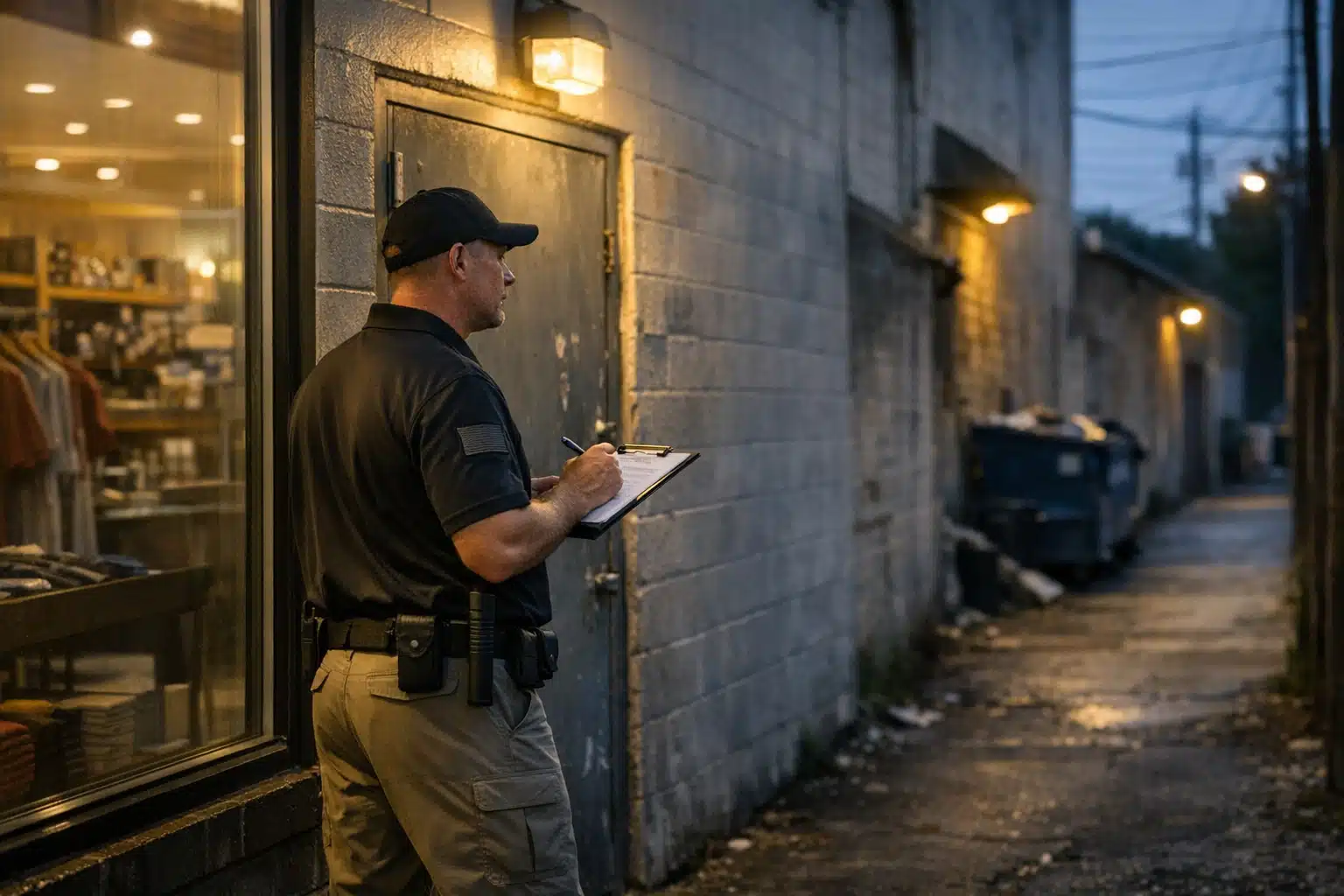
Walk your property at three different times: morning open, closing hour, and after dark. Note what changes.
What to Document During Your Walk
- Entry points — doors, windows, loading docks, and roof access
- Blind spots — alleys, dumpster areas, and poorly lit corners
- High-value zones — registers, inventory rooms, and equipment yards
- Foot traffic patterns — where people linger after hours
A Katy retail center owner once found that 80% of their theft happened near an unlit side exit. One camera and a light fixed most of it.
Your audit turns a vague worry into a short list of fixable gaps. That focus keeps spending targeted.
Build Cost-Effective Security With a Hybrid Model
The cheapest path is rarely all guards or all cameras. A hybrid model mixes both based on when and where risk peaks.
Remote video surveillance covers quiet hours. Guards cover high-contact moments. This split cuts labor costs dramatically.
How the Hybrid Math Works
A single overnight guard can cost a Houston business $5,000 to $7,000 per month. Remote monitoring of the same site runs a fraction of that.
Here is a common small business setup:
- Daytime — staff presence plus visible cameras deter casual theft
- Closing hours — a short guard shift covers cash handling and lockup
- Overnight — remote monitors watch live feeds and call police on real threats
This model gives you eyes on the property 24 hours a day. You pay guard wages only during the riskiest windows.
Place Cameras Where They Pay Off
Camera placement decides whether footage helps or just fills a hard drive. Cover entry and exit first, then high-value zones.
Avoid the mistake of pointing every camera at open floor space. That wastes coverage.
Priority Camera Positions
- Over each public entrance at face height for clear identification
- At loading docks where cargo theft starts
- Across parking lots to catch break-ins and vandalism
- Near registers or safes for internal theft disputes
Houston’s Gulf Coast weather matters here. Pick cameras rated for heat, humidity, and wind-driven rain.
Equipment that fails during a summer storm leaves you blind when risk climbs. Weather-rated hardware costs more upfront and saves replacements later.
Use Remote Monitoring to Replace Idle Guard Hours
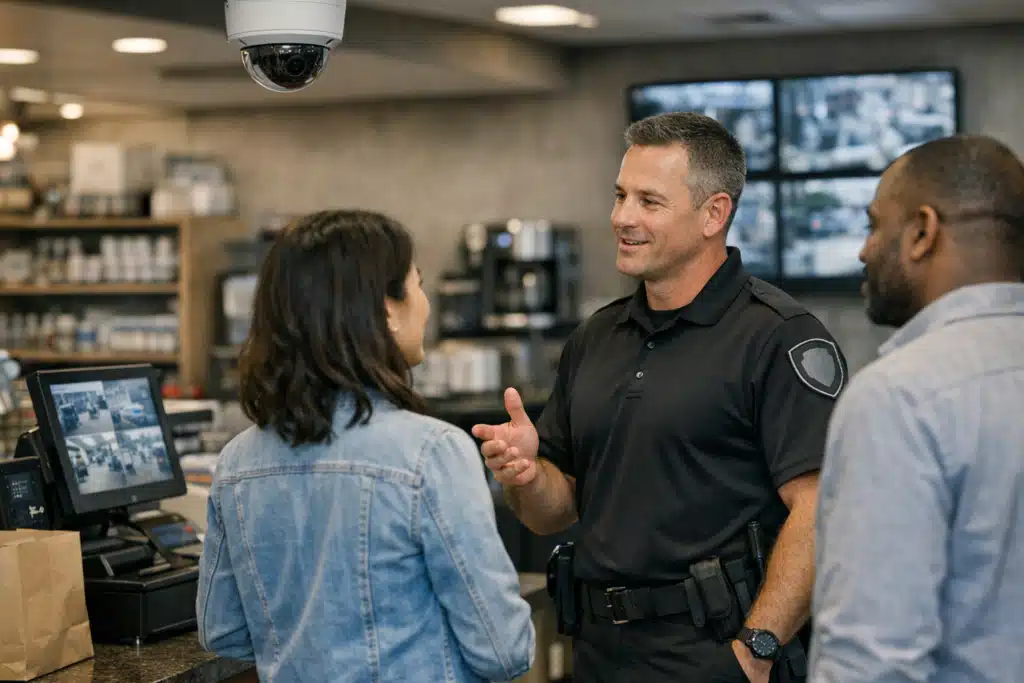
Remote video monitoring puts trained operators on your live feeds from an off-site center. They watch, verify, and respond.
This matters for small budgets because one guard can only watch one spot. One remote operator can watch many camera views at once.
What Active Monitoring Catches
Operators spot a person climbing a fence at a Clear Lake warehouse and call police before entry. Passive cameras only record the loss after it happens.
Many setups add voice-down speakers. An operator speaks directly to a trespasser, which ends most intrusions on the spot.
For a small business, that live response often removes the need for a physical night guard entirely.
Prepare for Hurricane Season Without Extra Payroll
Gulf Coast storms create two security risks: evacuation gaps and post-storm looting. Both hit small businesses hard.
When staff evacuate ahead of a storm, your property sits empty for days. Remote monitoring keeps watch when no one can stay on-site safely.
A Storm-Season Checklist
- Confirm camera battery backups before June each year
- Set remote monitoring to storm mode for extended empty-building coverage
- Photograph inventory for faster insurance claims
- Secure outdoor equipment that wind can turn into a hazard
After past Houston storms, flooded and powerless neighborhoods saw break-in spikes. Remote verified alarms get police attention faster than generic alarm calls.

 Posted on Google
Cut Costs With Visible Deterrence First
The cheapest security tool is the one that stops crime before it starts. Visible deterrence does this for pennies.
Good lighting, clear signage, and visible cameras prevent most opportunistic crime. Opportunists pick easy targets, not hard ones.
Low-Cost Deterrence Moves
- Add motion-activated lights at every dark corner
- Post signs stating the property is monitored
- Trim bushes that hide windows and doors
- Keep valuable goods out of street view
A small Energy Corridor office cut after-hours trespassing just by adding two floodlights and a monitoring sign. Total cost stayed under a few hundred dollars.
Match Small Business Solutions to Your Industry
Different Houston businesses face different threats. Your spending should reflect that.
Small business solutions work best when built around your specific exposure, not a generic package.
Common Houston Scenarios
- Retail centers in Katy — focus on register coverage and parking lot cameras
- Warehouses near the Port of Houston — prioritize dock monitoring and perimeter alerts
- Apartment offices in The Woodlands — cover mailrooms, pools, and leasing offices
- Construction sites across the metro — guard against copper and equipment theft overnight
A construction site loses tools fastest between midnight and 4 a.m. Remote monitoring during that window beats a full guard roster on cost.
Avoid These Budget Security Mistakes
Saving money the wrong way costs more later. Watch for these traps.
- Buying cameras with no one watching — recorded crime still equals loss
- Skipping maintenance — dead cameras give false confidence
- Ignoring internal theft — staff loss often exceeds break-ins
- Choosing unlicensed providers — Texas requires licensing for guard companies
Texas regulates private security under the Department of Public Safety. Confirm any provider holds a valid state license before signing.
Build Your Plan in Five Steps
Here is a clear path from worry to working protection:
- Run your risk audit and list your top three gaps
- Add visible deterrence to the cheapest fixes first
- Install cameras at entries and high-value zones
- Add remote monitoring for overnight and storm coverage
- Layer in guard hours only for peak-risk windows
This order spends money where it matters most. You protect your property without paying for coverage you do not need.
Protect Your Houston Business on a Realistic Budget
Strong security does not require a corporate budget. A smart mix of deterrence, cameras, and remote monitoring protects Houston small businesses at a fraction of guard-only costs.
Twin City Security Houston builds budget-matched protection plans for retail, warehouse, construction, and energy sites across the metro. Call 832‑301‑9478 or email Houston@Twincitysecurity.com for a Houston security assessment and monitoring quote.
Sources
Recent Posts